GST Billing App for iOS: Invoice, Stock, and Ledger from iPhone
FreeGSTBill iOS workflows help teams create GST invoices, verify stock, and track party balances on iPhone while keeping records aligned with core business operations.
Used by business owners, field teams, and billing staff across India who rely on Apple devices for daily billing checks.
This GST billing app for iOS in India is designed for businesses using iPhone and iPad for daily billing operations.
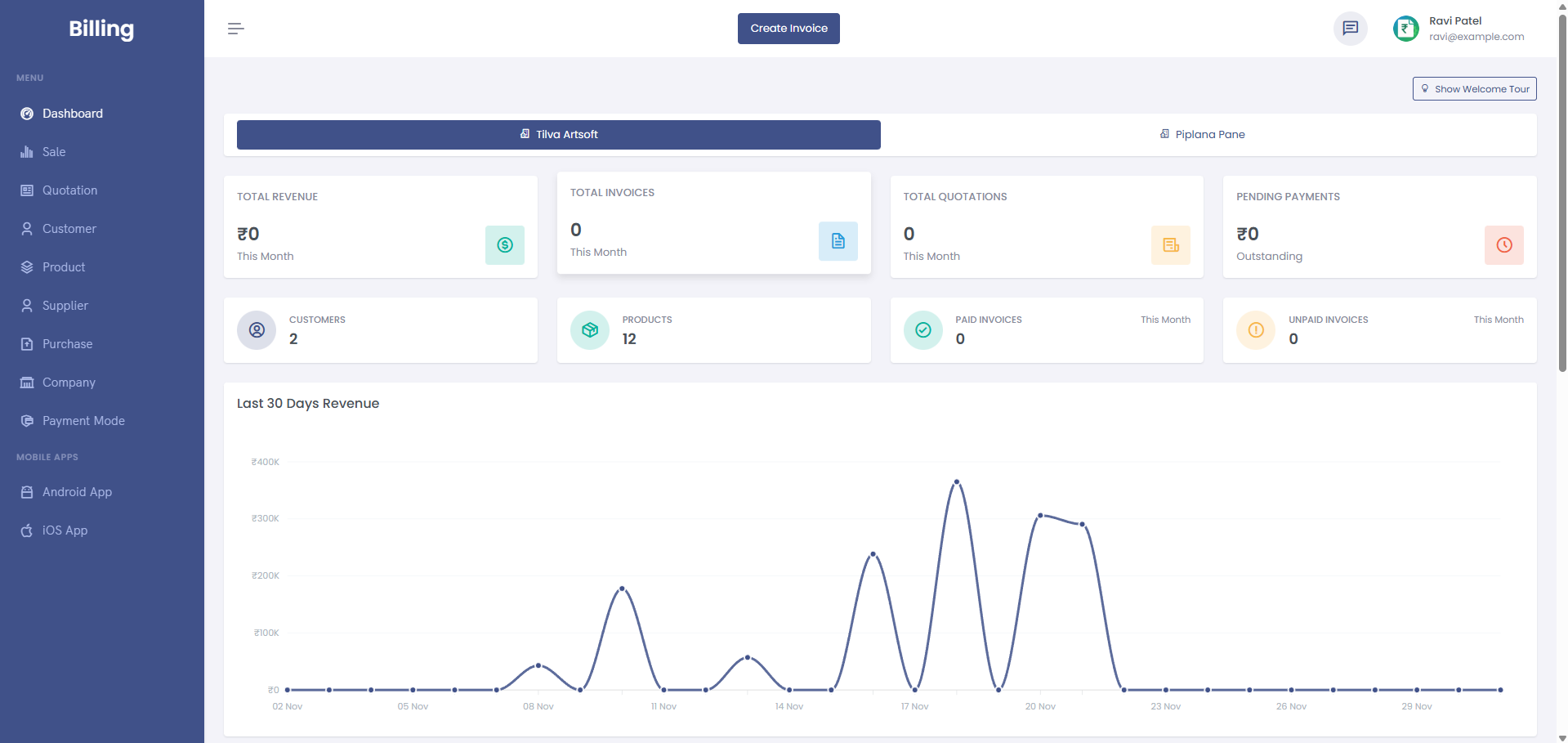
Compared to desktop-only billing setups, iOS GST billing apps help owners and staff create invoices and review stock positions from anywhere with faster operational response.
iOS billing pain points this solves
No mobile billing during travel
Without iPhone billing access, teams delay invoices until they return to office systems.
Delayed stock checks
Sales teams struggle when product availability cannot be checked in real time from mobile devices.
Slow collection decisions
Payment follow-up slows down when current party balances are unavailable during field visits.
Mismatch in multi-device operations
Manual handoff between phone notes and desktop billing can introduce invoice and stock errors.
For example, an owner using iPhone can raise a GST invoice at the customer site and keep stock and ledger records synchronized without waiting to return to office.
For example, a distributor using iPhone can check stock availability and issue invoices during customer visits without switching devices.
Download the iOS GST billing app today and simplify mobile invoice management.
iOS app workflow
A practical sequence for iPhone-based billing and tracking.
Select party and products
Use iOS interface to choose customer, items, quantity, and rates quickly.
Generate GST invoice
Create tax-ready invoice data from iPhone for immediate business use.
Sync stock and ledger
Keep inventory and party balances updated with each mobile billing action.
Share and verify
Review bill details and share records without extra desktop-only dependency.
iOS billing helps keep decision-making fast and records consistent.
Feature mapping for iOS billing
iPhone invoice speed
- GST billing workflow
- Mobile-first invoice actions
- Faster response in field visits
Stock confidence
- Stock management
- Real-time quantity visibility
- Barcode billing flows
Payment follow-up
- Digital ledger
- Party due visibility
- Collection-ready data access
This GST billing app for iOS in India is designed for business teams using iPhone and iPad to run mobile invoice and stock workflows.
Who should use iOS billing workflow
Owner-led businesses
Owners using iPhone for daily checks who want billing, stock, and dues visibility from one screen.
Field sales teams
Teams that need to raise invoices and verify stock while visiting customers.
Mixed-device operations
Businesses where office works on web and mobile staff rely on iPhone/iPad in parallel.
Compare with Android billing app and visit the feature hub to choose the right mobile-first rollout plan.
Practical iOS rollout checklist
- Finalize GST profile, invoice series, and tax settings before team rollout.
- Import top-selling products and opening stock for accurate first-week billing.
- Create party ledgers for repeat customers with correct opening balances.
- Train staff on one invoice flow and one stock-check flow to reduce confusion.
- Review first-week invoices daily and align with office records.
For deeper setup, review GST billing workflow, stock workflow, and ledger workflow.
Frequently asked questions
The best iOS GST billing app should combine invoicing, stock visibility, and ledger tracking in one connected flow. FreeGSTBill is designed for this integrated approach.
Yes. iPhone billing workflows can generate GST-ready invoices while keeping key customer and product details aligned with your records.
Yes. Mobile billing actions can sync stock data so teams avoid mismatch between invoice movement and actual inventory levels.
Yes. iOS workflows can show party balances and payment history, helping teams follow up on pending collections faster.
Yes. Small businesses can start with core mobile billing, while growing teams can use synchronized stock and ledger visibility across operations.
Yes, most iOS billing apps are compatible with both iPhone and iPad for flexible business usage.
Run GST billing from iPhone with speed and control
Built for Indian businesses using iOS devices for invoice, stock, and ledger continuity.
Optimized for iOS performance and a consistent mobile billing experience.