Stock Reconciliation Software
Stock mismatches happen due to counting errors, unrecorded damages, or manual mistakes. FreeGSTBill helps you correct inventory instantly and accurately.
The Problem with Stock Mismatches
Discrepancies in your inventory lead to financial errors and lost sales. Professional reconciliation is the required cure.
Counting Errors
Physical audits don't always match digital records. Fix it with one-click reconciliation.
Unrecorded Damage
Correct your quantities for physical stock issues without confusing your financial history.
Opening Stock Reset
Starting a new financial year? Setting your starting quantities correctly is just seconds away.
-
1
Choose your **Reconciliation Date** (e.g. Apr 1st)
-
2
Enter **Actual Shelf Quantity** for every item
-
3
System **Auto-recomputes** current stock through today
Recalculation Engine
FreeGSTBill includes a powerful recalculation engine that looks through all your future purchase and sale documents from your reconciliation date through today.
Physical Audit on Mobile
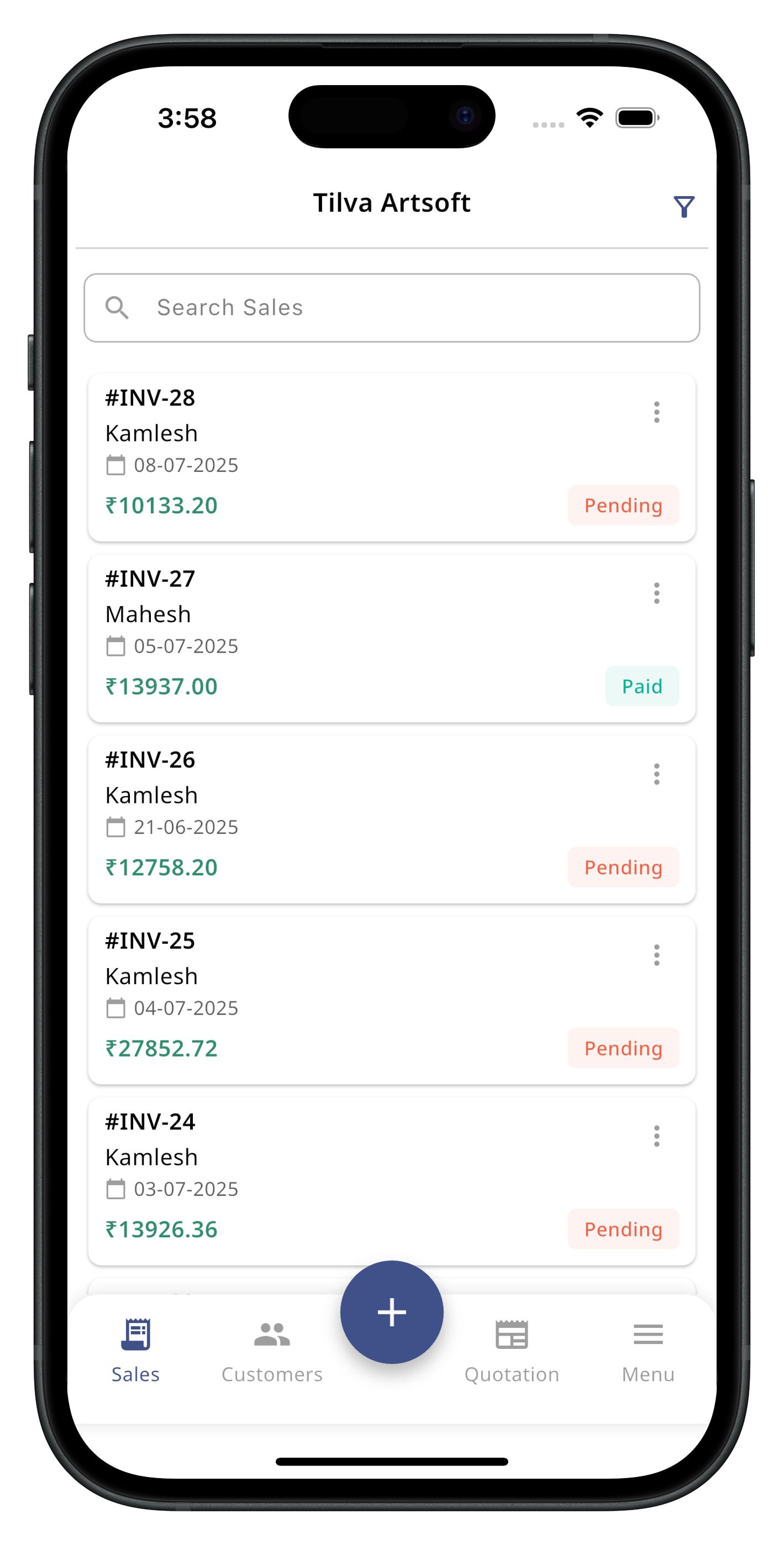
Walk through your shop and enter shelf quantities directly on the mobile app. All data syncs to the web dashboard instantly.
Stock Adjustment FAQ
Common questions about stock corrections
No. Reconciliation creates a new starting point (Opening Quantity) on your selected date. Your past sales and purchase invoices remain unchanged as per your records.
Experts recommend monthly reconciliation for retail stores and quarterly for wholesale traders to ensure digital records match physical shelf stock.
Fix Discrepancies Today. Correct Your Business.
Stop operating with digital stock that doesn't match your physical shop shelf. Join 10,000+ businesses with perfect counts.
Start Reconciliation Free