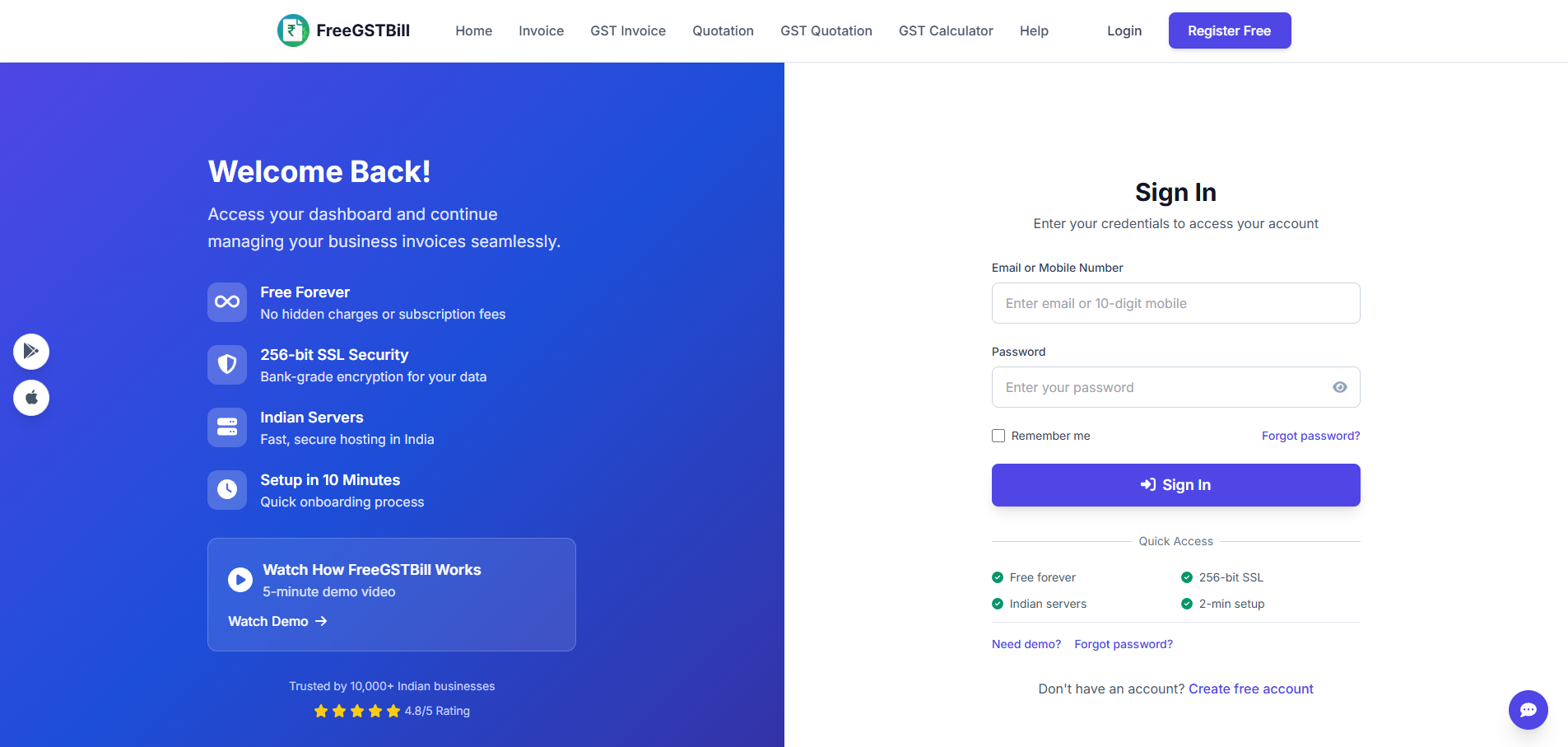
How do I log in?
Use your registered email and password on the website or in the app.
I forgot my password. What do I do?
- On the website, open Forgot password.
- Enter your registered email.
- Use the link in the email we send to set a new password.
- Sign in on the website and app with the new password.
Is it the same account on web and app?
Yes. One email and password works everywhere.