
Where does stock quantity come from?
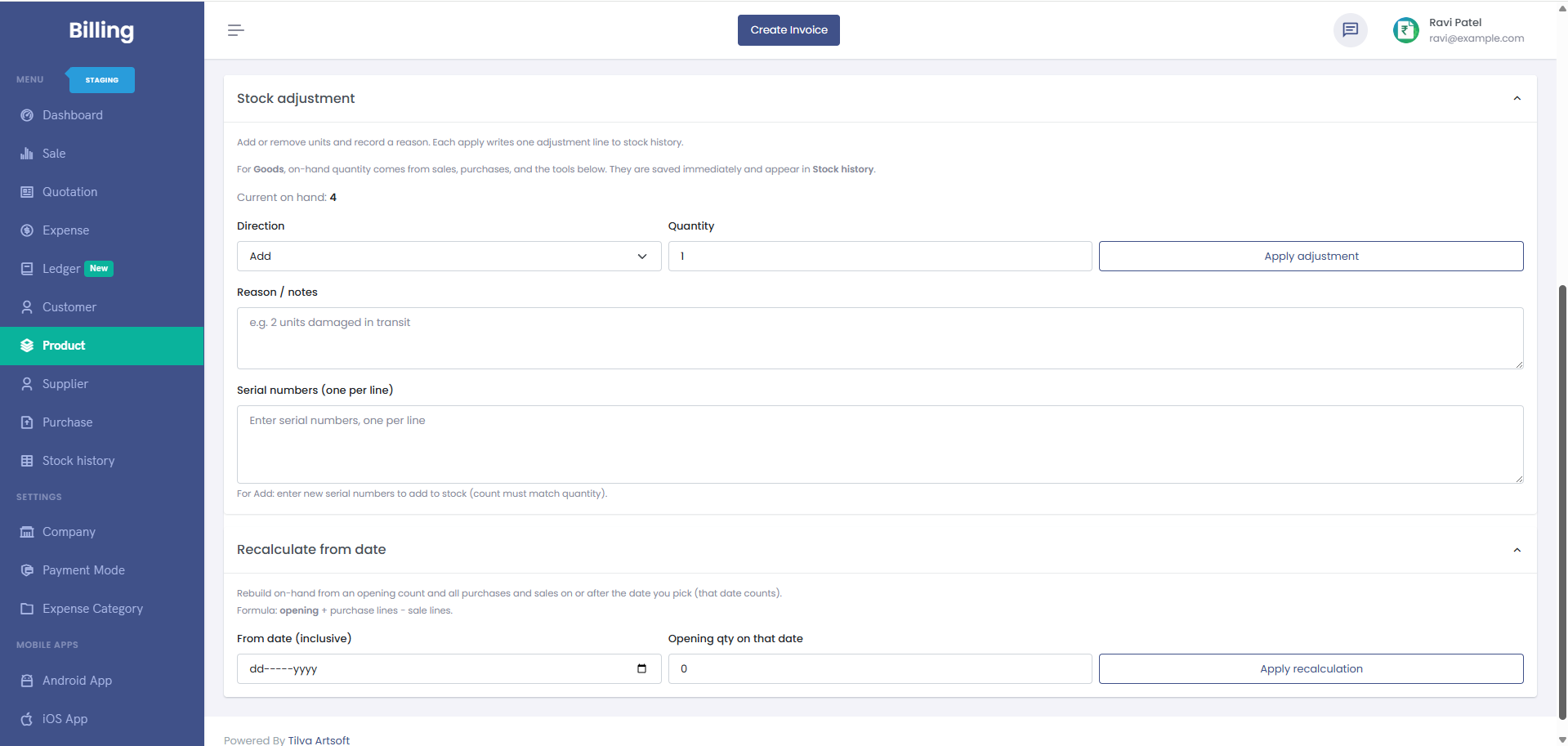
Stock changes from purchases, sales, returns, and manual adjustments. Stock logs help you audit what changed and when.
Physical count does not match the app. What now?
- Run through recent sales and purchases.
- Use a stock adjustment to match the system to the physical count.
- Check stock logs if something still looks wrong.
What about negative stock?
Depending on your settings, the app may warn or block negative stock so you do not oversell by mistake.